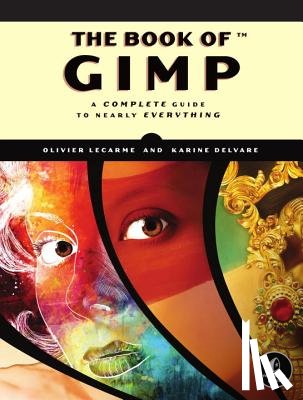
GIMP is a free alternative to Adobe Photoshop with tons of professional-grade features. But with so many powerful tools and menu options, GIMP can be difficult to master. Whether you're struggling to get started or trying to master some of GIMP's more complex features, you'll find the answers you're looking for in The Book of GIMP.The tutorials in the first half of the book walk you through essential GIMP skills, like resizing and cropping images, touching up spots and scratches, and customizing your work area. Illustrated, step-by-step instructions show you how to:- Improve the lighting and composition of images- Remove distortions and noise to make old and damaged photos look like new-Create stunning panoramas and digital collages using a series of photos- Make, edit, and export custom textures, logos, and animated GIFs- Work with selections, channels, and masks to edit images like a pro- Create colorful digital art, layer by layerThe book's second half offers a comprehensive reference to GIMP's many features, including color balancing, masks, filters, and plug-ins. You'll find tools described in unparalleled detail, with coverage of nearly every option and parameter.With illustrated tutorials and detailed references, The Book of GIMP is sure to become your one-stop guide to just about everything GIMP.
I have a question about the book:
'The Book Of Gimp - Lecarme, Olivier'.
Fill in the form below.
We will respond as fast as possible.
We value your privacy
We use cookies to measure traffic, improve Boekstra and let Google tailor ads to your interests. You can keep using the site either way — even if you decline. More info